If you are building a family tree in the United States, chances are your ancestry includes records in different languages — Spanish, German, French, Italian, Polish, and more. So a common question many researchers ask is:
Does Family Tree Maker support multiple languages?
In this detailed guide, we’ll explain how Family Tree Maker handles language settings, international records, and multilingual data — especially for users in the USA.
Quick Answer
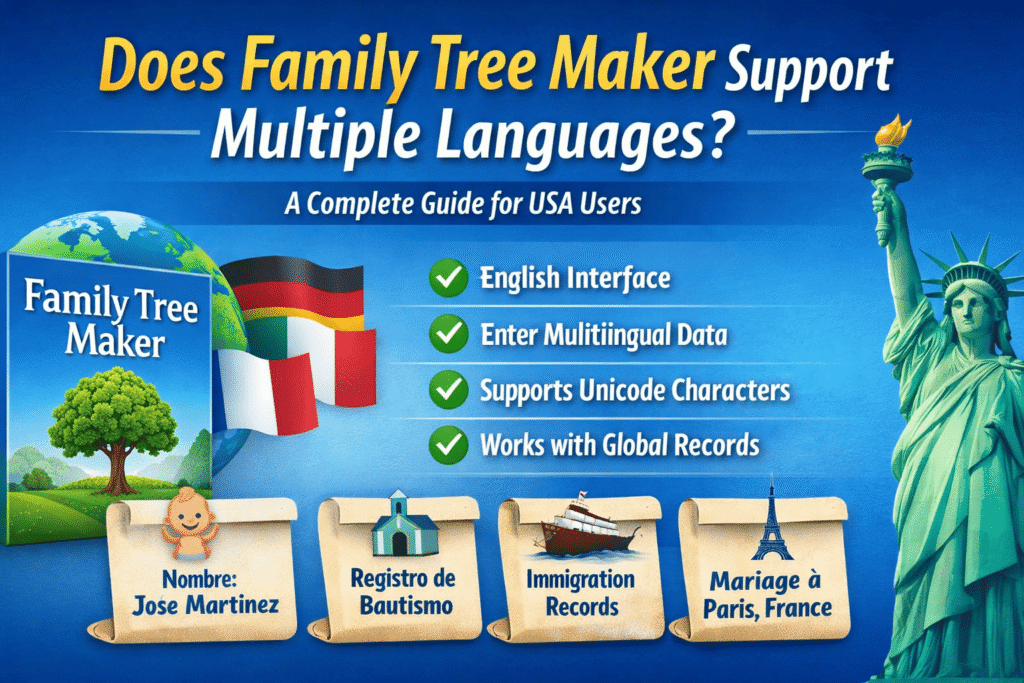
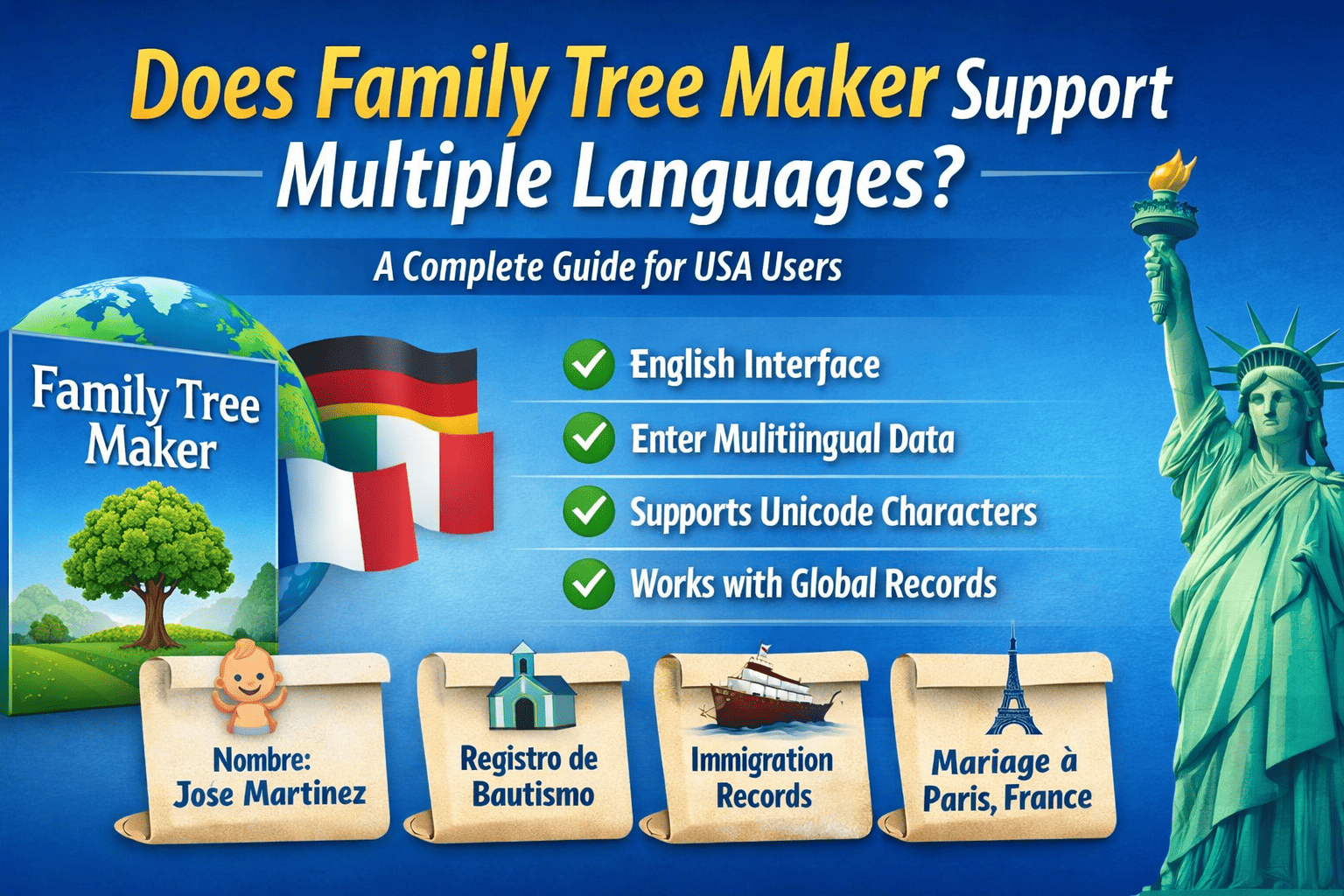
Family Tree Maker is primarily available in English, but it allows users to enter, store, and manage genealogical data in multiple languages.
While the interface itself is English-based, the software supports Unicode characters — meaning you can add names, notes, places, and sources in Spanish, German, French, Italian, and many other languages.
Understanding Language Support in Family Tree Maker
1️⃣ Software Interface Language
Currently:
-
The user interface of Family Tree Maker is available in English
-
Menus, navigation, tools, and help sections are in English
-
There is no official built-in language switch option
For most USA users, this works perfectly since English is the primary research language.
However, if you are working with bilingual families (e.g., English-Spanish households), the flexibility comes from how data is entered — not from changing the interface language.
2️⃣ Multilingual Data Entry (Full Unicode Support)
This is where Family Tree Maker becomes powerful.
The software supports:
-
Accented characters (José, François, Müller)
-
Special European characters (Ł, Ø, Ç)
-
Non-English place names
-
Foreign-language notes and sources
You can safely enter:
-
Spanish baptism records
-
German immigration documents
-
Italian marriage certificates
-
French civil registrations
This makes it ideal for USA families with European, Latin American, or international roots.
3️⃣ International Records Integration
Family Tree Maker syncs with:
-
Ancestry
-
FamilySearch (via GEDCOM imports)
Since these platforms host international databases, you can import records in multiple languages directly into your tree.
Even if a document is written in Spanish or German, the data fields in Family Tree Maker can store the original spelling accurately.
Can You Create a Bilingual Family Tree?
Yes — and many USA users do.
Here’s how:
| Field Type | Language Flexibility |
|---|---|
| Names | Supports accented & foreign characters |
| Notes | Fully multilingual |
| Sources | Can include original foreign text |
| Place Names | Can store native-language versions |
| Media | Attach foreign-language documents |
Example:
You can enter:
-
Birth Name: “José Martínez”
-
Notes: Spanish baptism record text
-
Location: “Sevilla, España”
No data corruption, no formatting issues.
What About Translations?
Family Tree Maker does not automatically translate records.
However, you can:
-
Add translated notes
-
Keep original-language records
-
Use side-by-side documentation
Many USA genealogists use this format:
Original German text
English translation below it
This maintains research accuracy and helps future generations understand the context.
Is There a Spanish Version of Family Tree Maker?
As of now:
-
There is no officially released Spanish interface version.
-
No separate French or German UI versions either.
However, because of Unicode compatibility, Spanish-speaking users in the USA can still build fully functional family trees in their native language.
Why This Matters for USA Genealogy Research
The United States is one of the most diverse countries in the world. According to census data:
-
Over 60 million Americans speak a language other than English at home.
-
Millions trace ancestry to Europe, Latin America, and Asia.
That means multilingual genealogy is not optional — it’s essential.
Family Tree Maker handles:
-
Immigrant records
-
Ellis Island documentation
-
Church records
-
Census records
-
Military documents
Without breaking character encoding or formatting.
Comparison With Online Family Tree Makers
Many users compare desktop software with online tools.
While online platforms like browser-based tree builders may support multiple languages in their interface, desktop-based Family Tree Maker software gives:
-
More control over data formatting
-
Offline access
-
Better source documentation
-
Full Unicode flexibility
For serious researchers in the USA, this level of control is critical.
Pros & Cons of Language Support
✅ Advantages
-
Supports international characters
-
Works with global records
-
Ideal for immigrant families
-
Keeps original spellings intact
-
Syncs with Ancestry
❌ Limitations
-
English-only interface
-
No built-in translation tool
-
No UI language switch
Frequently Asked Questions
Q1: Can I enter Spanish names in Family Tree Maker?
Yes. It supports accented and special characters like ñ, é, á.
Q2: Can I create a family tree entirely in Spanish?
Yes — you can enter all data in Spanish, but the software menus remain in English.
Q3: Does Family Tree Maker auto-translate foreign documents?
No. You must manually add translations.
Q4: Does it support international genealogy research?
Absolutely. It works well with global records imported from Ancestry and other databases.
Who Should Use Family Tree Maker for Multilingual Research?
Family Tree Maker is ideal for:
-
Hispanic-American families
-
German-American researchers
-
Italian-American ancestry tracing
-
French-Canadian genealogy
-
Eastern European descendants
-
Mixed-language households in the USA
If your research includes foreign-language church or civil records, this software handles them without data loss.
Final Verdict
Does Family Tree Maker support multiple languages?
✔ Interface: English only
✔ Data entry: Fully multilingual
✔ International records: Supported
✔ Unicode characters: Yes
For USA genealogists working with diverse family histories, Family Tree Maker remains one of the most reliable desktop solutions.